
Turn Any Audio into Melody Ideas
Upload a sample, choose a type, and generate MIDI-ready melody ideas in seconds. Edit in the sequencer, then export to your DAW.
From Audio Sample to Melody Ideas in Seconds
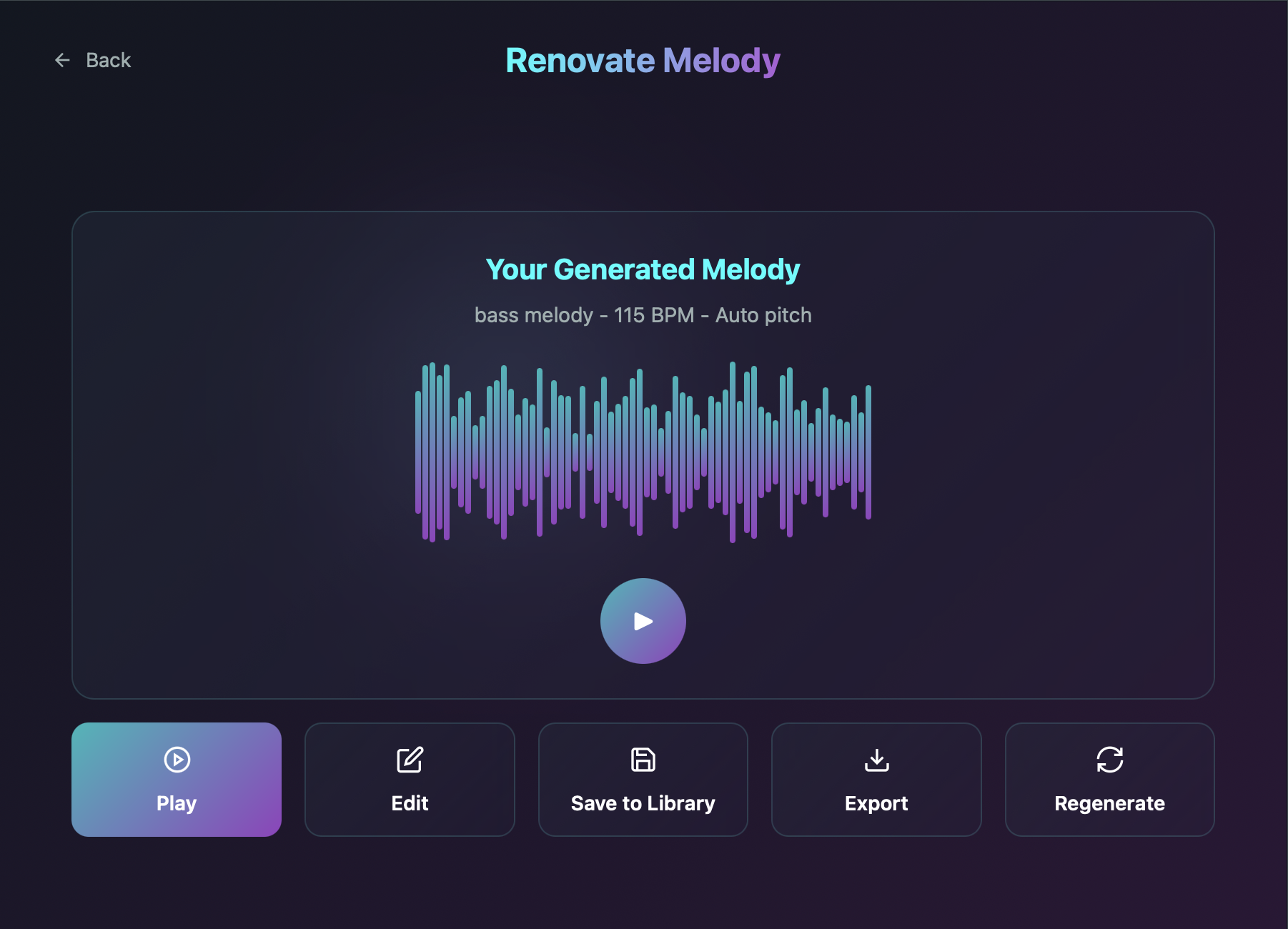
Renovate Melody turns your audio samples into melody ideas. Drop in a sample, choose a type, add a short prompt describing tempo and vibe, and generate a result in seconds.
Available as a VST3 plugin for Mac and Windows. Install it once and load it inside any VST3-compatible DAW.
Melody Generation costs 1 credit per output. Remix costs 1 credit per variation, so you can iterate quickly until it fits your track.
- Upload audio (WAV, MP3, AIFF, FLAC) to generate from
- Choose a generation type: Bass, Kick, Snare, or FX
- Prompt up to 500 characters with guidance for BPM, pitch, vibe, rhythm
- Waveform result view with type, BPM, and pitch mode metadata
- Melody Generation cost: 1 credit per melody
- Edit in a clean 16-step sequencer with pitch-variation lanes
- Remix variations fast (1 credit per remix)
- Save ideas to a searchable Melody Library
- Filter by type, favorite your best, and export when ready
- Actions on saved melodies: play, edit, export, delete, favorite
Controls and workflow
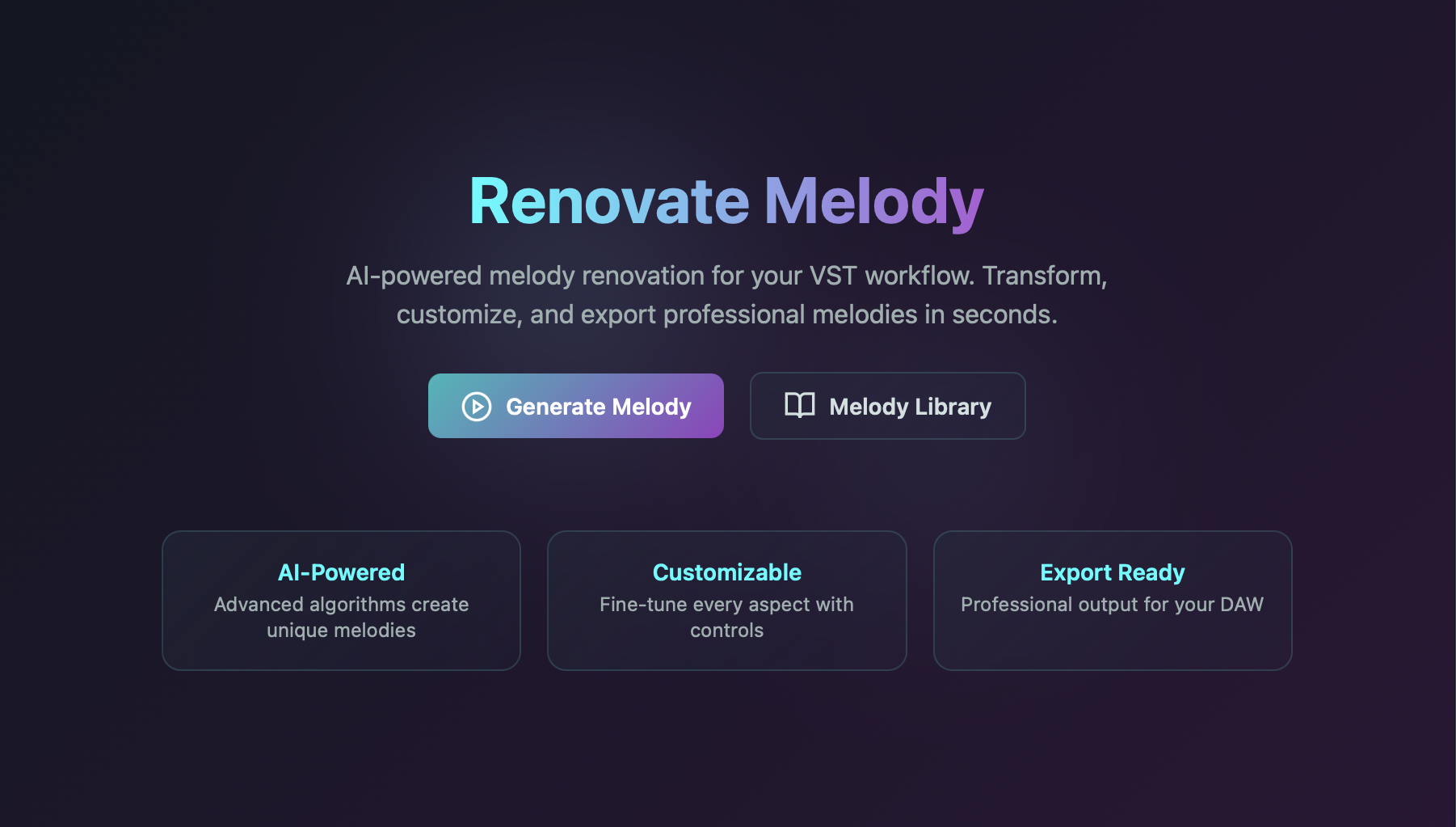
Section 1 of 6: Home. Start in one hub: generate or jump straight to your library
Start in one hub: generate or jump straight to your library
The Home screen keeps the workflow simple. Start generating in one click, open the Melody Library, and stay focused on speed and control in real sessions.
Frequently Asked Questions
Is Renovate Melody available as a VST3 plugin?
Yes. Renovate Melody is a VST3 plugin for Windows and macOS. Download, install, and load it inside any VST3-compatible DAW.
What audio formats can I upload to Renovate Melody?
Renovate Melody accepts WAV, MP3, AIFF, and FLAC files as the audio input for generation.
How many credits does Renovate Melody use?
Melody generation costs 1 credit per output. Remixing a variation in the 16-step sequencer also costs 1 credit per remix.
Does Renovate Melody work with my DAW?
Yes. The VST3 plugin works natively inside any VST3-compatible DAW on Windows and macOS. Install it once and access it directly from your session.
Finding the right idea takes iteration.
Each generation is 1 credit. Each remix is 1 credit. On free, your 4 credits let you try the workflow a few times. On Pro, 50 monthly credits means you can explore multiple types, remix the ones that are close, and still have headroom left for Sample and Vocals in the same session.
Free
Pro, $10/mo
Studio, $19/mo
Turn audio into melody ideas in seconds.
Download the VST3, load a sample, and generate your first melody with 4 free credits. All paid plans give you monthly credits to keep iterating: 25 (Starter), 50 (Pro), or 100 (Studio).
14-day money-back guarantee on first plan · Cancel anytime
System requirements: VST3, macOS (Apple Silicon and Intel) and Windows 10+, 64-bit DAW.

Part of the Renovate Audio Suite